RunCat for Windows & WindowPet: 2 Desktop Pet Apps
01 Keep a Cat in Your Windows Taskbar RunCat365
RunCat365 is an extremely simple yet fun little tool that places an animated cat in your Windows taskbar.
This cat is more than just a decoration. Its running speed directly corresponds to your computer’s CPU usage. When your computer is under low load, the cat just lazily jogs.
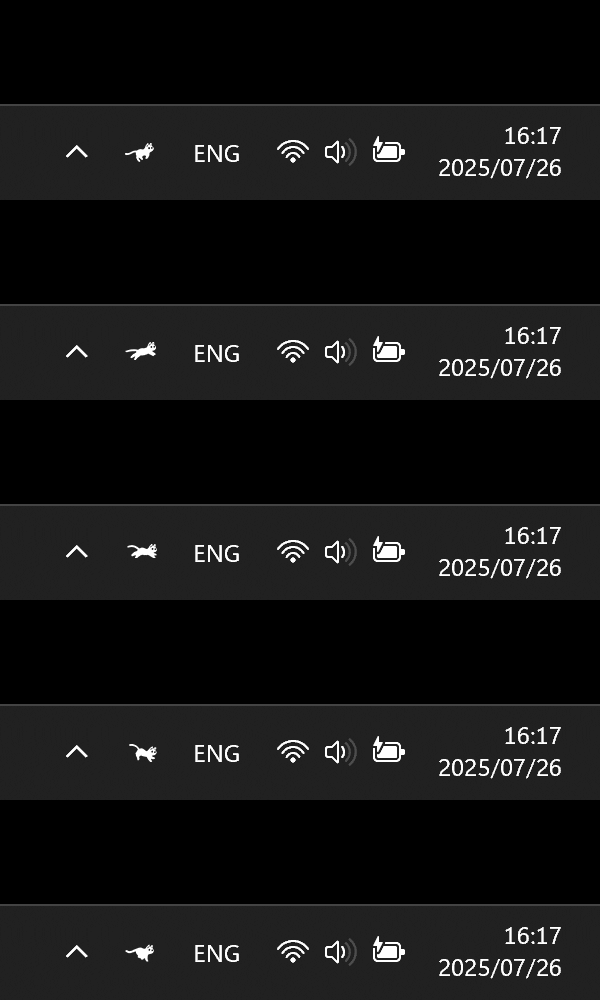
Once you open a large game or start compiling code, and the CPU usage soars, the cat will begin sprinting wildly.
This is an incredibly intuitive way to monitor your system. You don’t need to open the complex Task Manager or stare at cold percentage numbers—just glance at the bottom right corner and check how fast the cat is running to know how stressed your computer is.
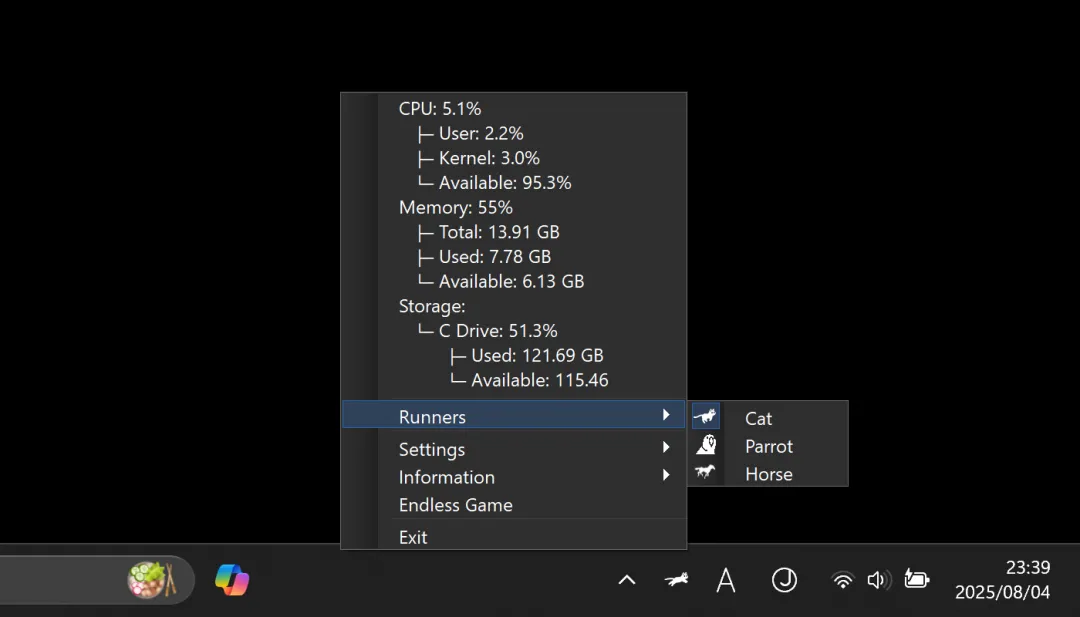
Although there are many similar system monitoring software on the market, RunCat365’s advantages lie in its light weight and cuteness.
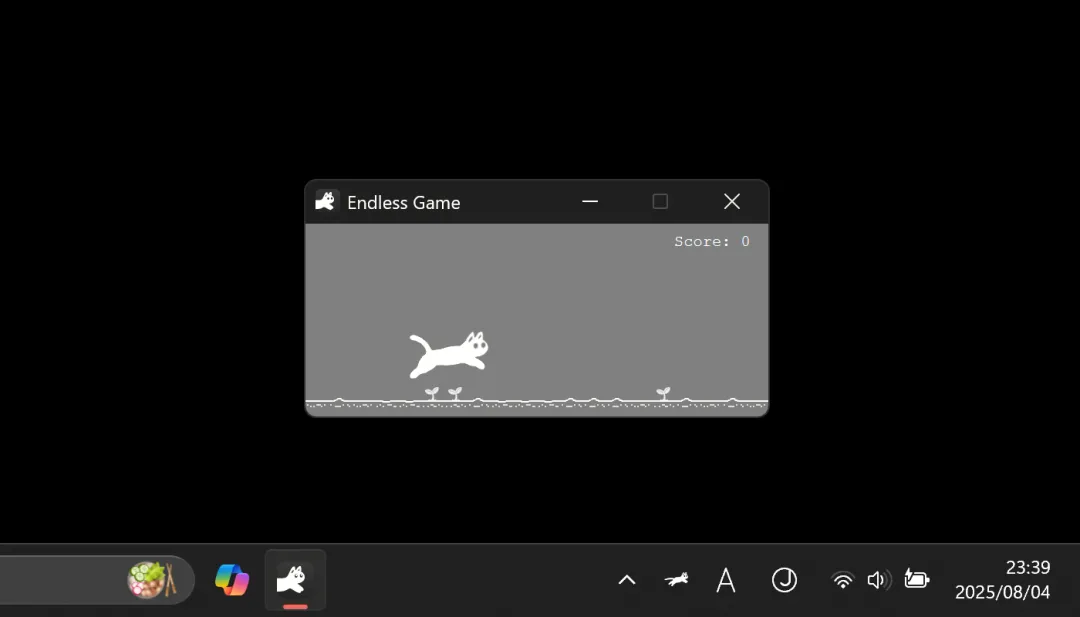
Open-Source Link: https://github.com/Kyome22/RunCat365
02 WindowPet
WindowPet is a desktop pet app developed with Tauri and React. Its purpose is to add a bit of vitality to your computer screen.
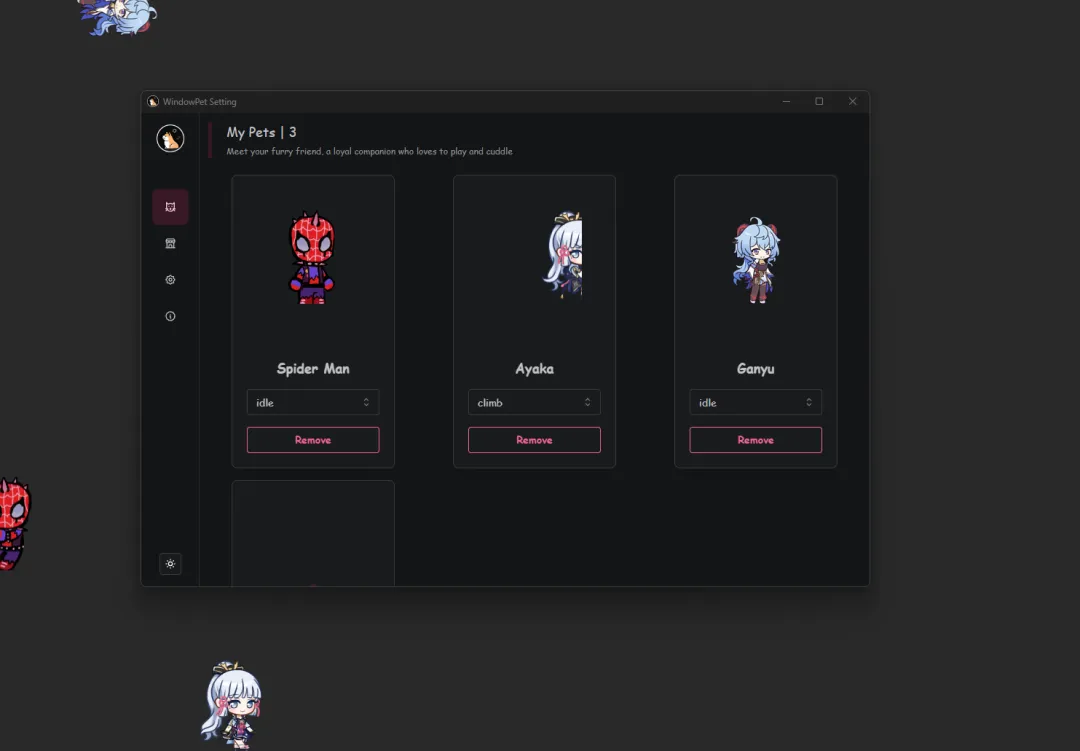
This software can generate various cute anime characters or small animals on your desktop.
They are not just static images—they have various animation effects and can even crawl around the screen. Currently, there are more than 45 built-in pets and characters to choose from, so there’s always one that suits your taste.
If you don’t like the built-in characters, you can upload your own image materials to create a unique custom pet. You can drag and drop them anywhere freely, place them on window title bars, or let them idle above the taskbar.
The developers have considered the issue of interference in actual use, so you can enable mouse penetration, ensuring the pet won’t block you from clicking buttons behind it.
The software supports Windows, macOS, and Linux, allowing you to experience it regardless of your operating system—unlike those outdated desktop pet apps from the past.
Open-Source Link: https://github.com/SeakMengs/WindowPet