Top 3 Alternatives to Claude Cowork: Free AI Agents for Desktop File Management
Claude Cowork is a new feature from Anthropic that transforms Claude into an AI Agent capable of manipulating files on your computer.
More than just a chat companion, Cowork can perform file processing tasks within authorized folders on your device. It enables file organization, data extraction and conversion, batch document processing, code/script assistance, and more.
Unlike traditional Q&A tools, when you assign a complex task to Cowork, it first creates a detailed plan, executes it step-by-step, and confirms key actions or reports progress along the way. You don’t need to monitor it constantly—it supports parallel task processing.
As with most new tech tools, open-source alternatives quickly emerge on GitHub. Below are three popular open-source replacements for Claude Cowork:
01 Desktop-Grade Multi-Agent Platform: Eigent
Currently trending on GitHub, the Eigent open-source project has garnered over 7,800 stars and counting.
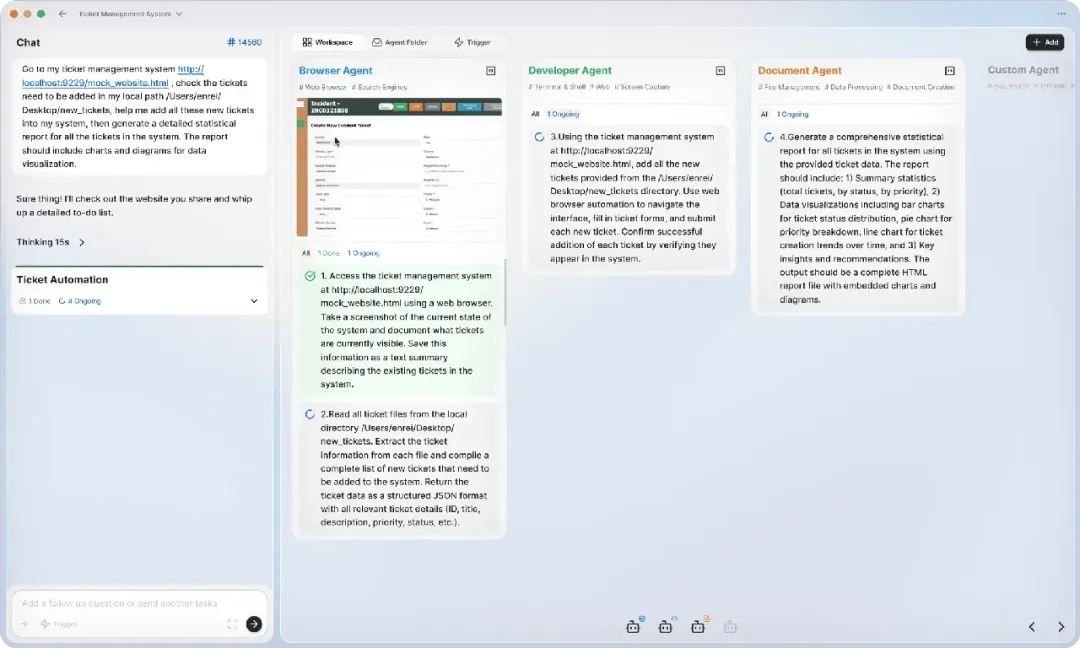
Built around Multi-Agent collaboration, Eigent lets you assemble a team of AI workers that automatically collaborate to complete complex tasks. It breaks down intricate workflows, distributes subtasks to different AI agents for parallel processing, and handles tasks like generating data analysis reports from local Excel files, organizing local documents (e.g., batch renaming, duplicate file deletion), and more.
The system comes with pre-defined AI agents for various roles and integrates a wealth of built-in Model Context Protocol (MCP) tools, enabling AI to directly interact with external tools and services.
Open-Source Link: https://github.com/eigent-ai/eigent
02 Desktop AI Agent for Productivity: OpenWork
The OpenWork open-source project aims to create an open-source version of Claude Cowork, simplifying complex Agent tasks to feel like using regular software.
Powered by OpenCode, it makes agentic work feel like a polished product rather than operating a rigid terminal. With OpenWork, you don’t need to learn complex CLI commands or manage scattered configurations.
It visualizes AI’s reasoning and execution processes as clear timelines and to-do lists, letting you track in real time what the AI intends to do and its progress.
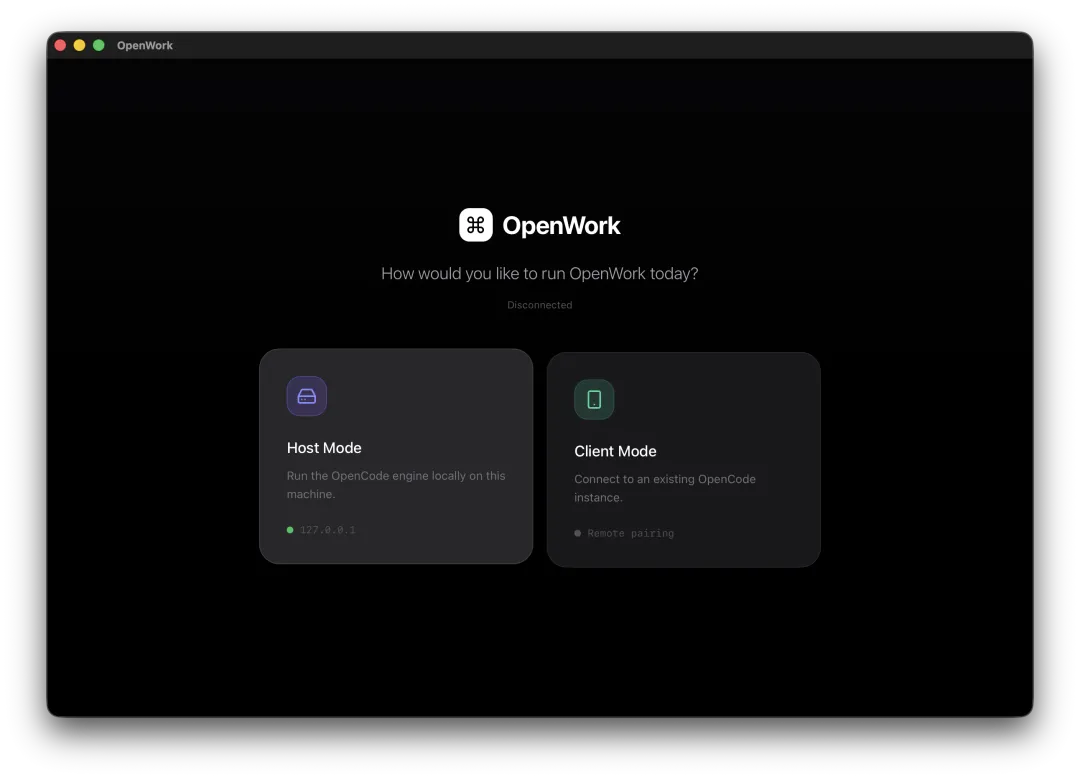
OpenWork offers two operating modes:
- Host Mode: Launch the OpenCode service locally, select a folder as your workspace, and let the AI work transparently on your device.
- Client Mode: Connect to a remote OpenCode server via URL for remote collaboration if you have one.
Equipped with a built-in Skill Manager, OpenWork allows you to install various skills for your AI Agent—similar to adding browser extensions. For repetitive workflows, save them as templates; next time you encounter the same tasks, load the template with one click for automatic AI execution, significantly boosting efficiency.
Open-Source Link: https://github.com/different-ai/openwork
03 Claude-Cowork
This open-source project wraps Claude Code’s powerful Agent capabilities into a visual interface. If Claude Code runs in your terminal, it will work seamlessly in Claude-Cowork.
While Claude Code natively only supports a command-line interface, Claude-Cowork offers key advantages:
- Real-time streaming output and Markdown rendering, letting you clearly view Claude’s reasoning path, syntax-highlighted code, and tool execution status.
- A built-in session management system based on SQLite. Create separate sessions with unique working directories for different projects/tasks, and save or resume conversation history anytime.
- Interactive permission control for sensitive actions (e.g., file deletion, script execution), allowing you to approve or deny requests via an intuitive interface for greater peace of mind.
Open-Source Link: https://github.com/DevAgentForge/Claude-Cowork