
Maestro: The Modern, Simpler Alternative to Appium for Mobile UI Automation
Anyone who has worked with mobile automation testing knows the pain: complex environment setups, brittle scripts, unstable test cases, and the constant need to “reinvent the wheel” across different platforms.
Recently, a “lightweight and modern” framework has been making waves on GitHub: Maestro. Its goal is clear: to make UI automation testing simple, stable, and truly cross-platform.
## What is Maestro?
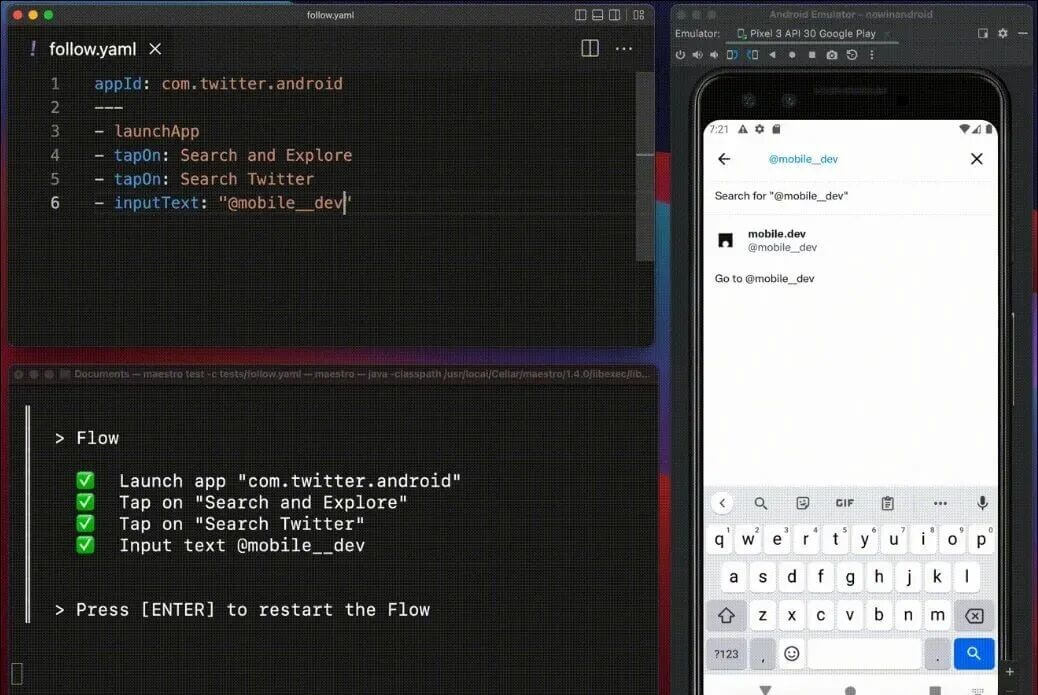
Maestro is an End-to-End (E2E) automation framework designed for Android, iOS, and Web. It provides a unified solution for writing and executing tests across all major platforms.
The defining feature of Maestro is its use of YAML as the scripting language. By using human-readable syntax to describe user flows (e.g., tap, input, assert), it drastically lowers the barrier to entry for QA engineers and developers alike.
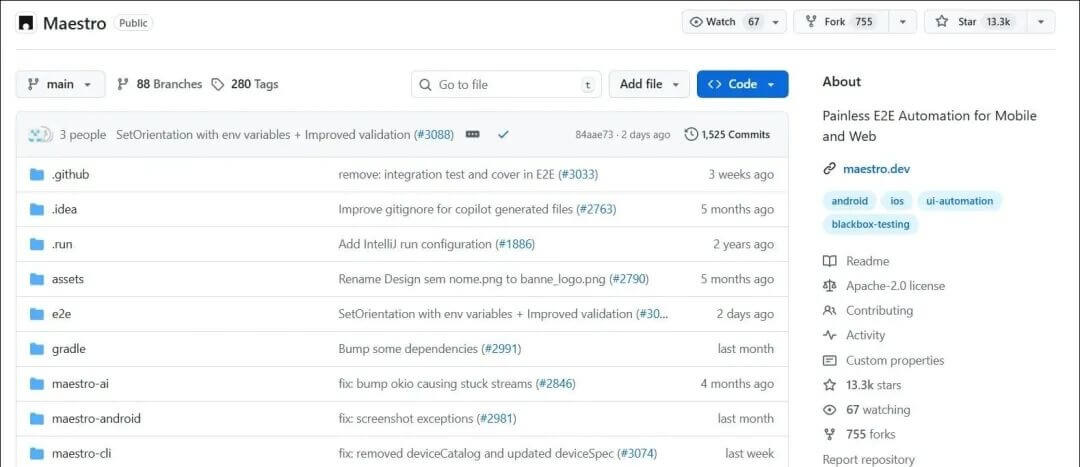
Drawing from the experiences of Appium, Selenium, and Playwright, Maestro optimizes execution efficiency and stability. With over 13k+ Stars on GitHub, it has become one of the most significant open-source projects in the mobile testing space over the last two years.
## Key Features & Why It Wins
-
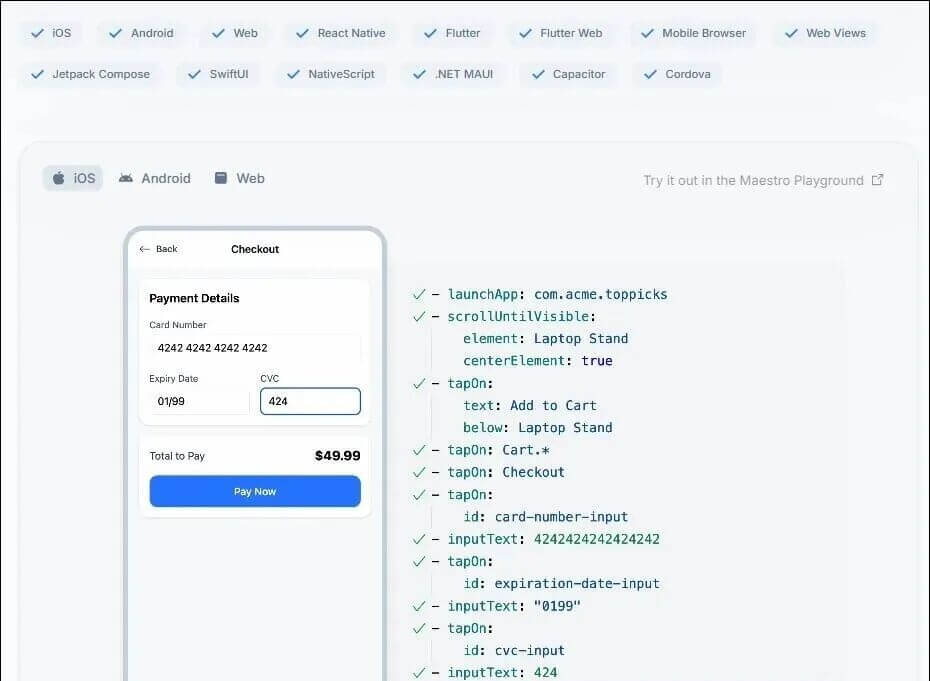
Full Platform Coverage: One script works across Android, iOS, Web, and hybrid apps like React Native and Flutter.
-
Declarative YAML Syntax: Human-readable and requires no compilation. You can write your first test case in minutes.
-
Built-in Smart Wait & Auto-retry: Maestro dynamically adapts to UI loading. Say goodbye to manual
sleep()commands and flaky tests. -
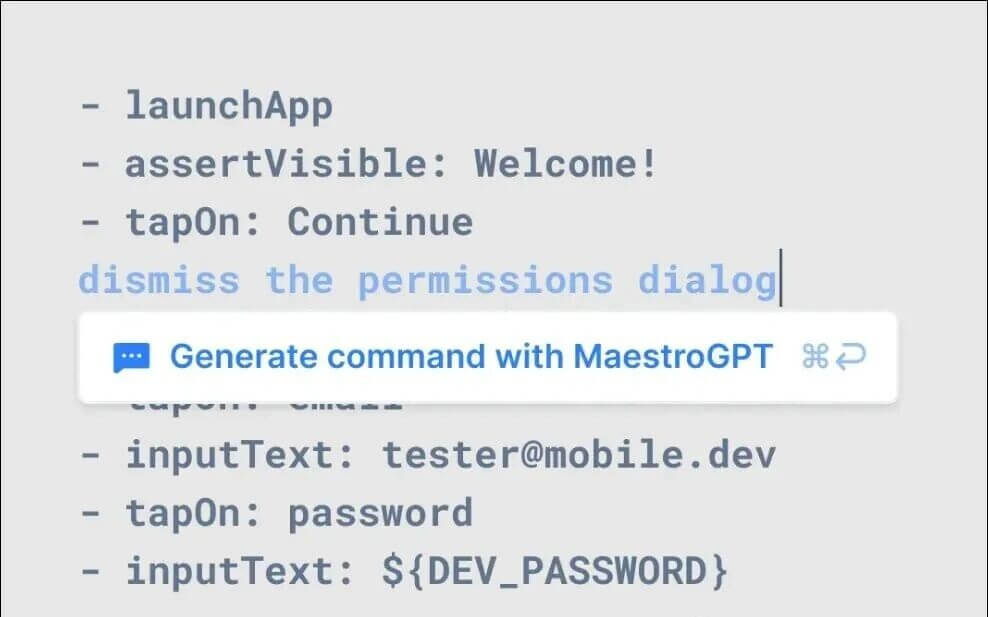
AI-Enhanced Capabilities: Supports natural language element location, runtime self-healing, and visual regression testing for maximum robustness.
-
Maestro Studio (Visual IDE): A powerful tool for recording flows, inspecting elements, and generating AI-assisted scripts—enabling zero-code testing.
-
Maestro Cloud: Scale your testing with parallel execution, reducing test suite runtimes by up to 90%.
## Quick Start Guide: Installation & Usage
1. Requirements
Maestro requires Java 17 or higher. You will also need an active Android Emulator or iOS Simulator.
2. Install the CLI
Run this single command (compatible with macOS, Linux, and Windows WSL):
Bash
curl -fsSL "https://get.maestro.mobile.dev" | bash
After installation, follow the terminal prompts to add maestro to your system path or restart your terminal.
3. Create Your First Flow
Create a YAML file (e.g., my_flow.yaml) and describe your steps using declarative syntax:
YAML
appId: com.example.app
---
- launchApp
- tapOn: "Login"
- assertVisible: "Welcome Screen"
4. Run the Test
In your terminal, navigate to the directory containing your YAML file and run:
Bash
maestro test my_flow.yaml
Maestro will automatically connect to your running emulator/simulator and execute the flow.
## Maestro Studio (Visual Interaction)
If you prefer a GUI, Maestro Studio allows you to:
-
Connect and inspect your device in real-time.
-
Build test flows via drag-and-drop or the screen inspector.
-
Run tests locally with a single click.
## The Verdict: Is It Better Than Appium?
Maestro redefines Mobile E2E testing by replacing fragile scripts and tedious maintenance with minimalist syntax and AI-powered stability. If you are tired of the complexity of traditional frameworks like Appium, Maestro is the “future-proof” tool you should try today.
Claude-Code-Templates: A Curated Template Library for Claude
If you often use Claude to assist with programming, you’ll find that the quality of your prompts directly determines whether the generated code is usable.