As a developer deeply entrenched in the Apple ecosystem, I’ve long grown accustomed to the seamless, hassle-free transfer experience that AirDrop delivers.
Yet, the reality is often less ideal. Chances are, there’s always an Android device nearby—whether it’s a testing unit or a daily driver.
Every time I try to transfer a few large video files or a batch of test packages from my Mac to an Android phone, my frustration levels spike instantly.
Google’s official Android File Transfer tool is outdated and clunky. Its interface is bare-bones, and it frequently fails to detect connected devices.
Worst of all, it imposes a strict 4GB single-file size limit, which means transferring a high-definition movie will trigger an error immediately.
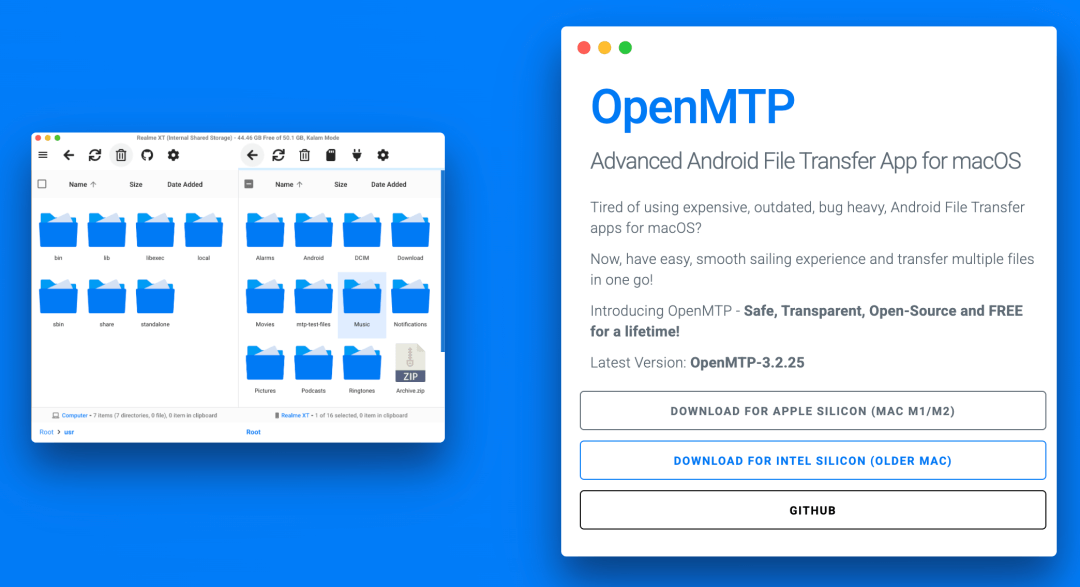
To solve this nagging problem, I stumbled upon a truly practical open-source alternative on GitHub: OpenMTP.
Built specifically to address the pain points of file transfer between macOS and Android, it’s not only free and open-source but also boasts a sleek, modern interface.
Launching OpenMTP feels like using a native macOS app—it just clicks.
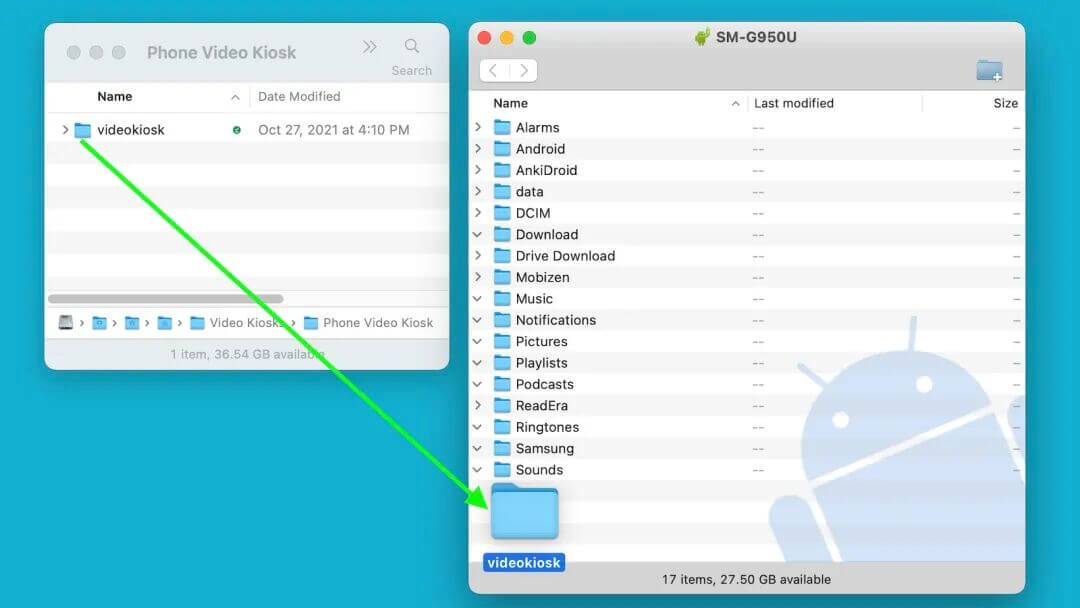
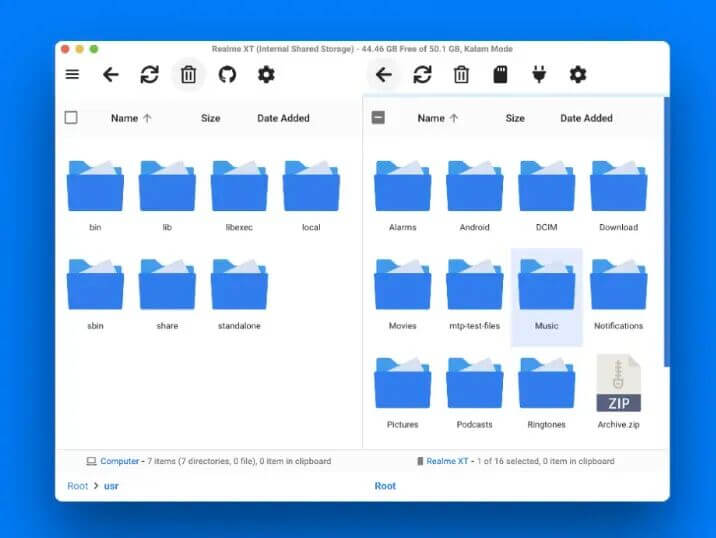
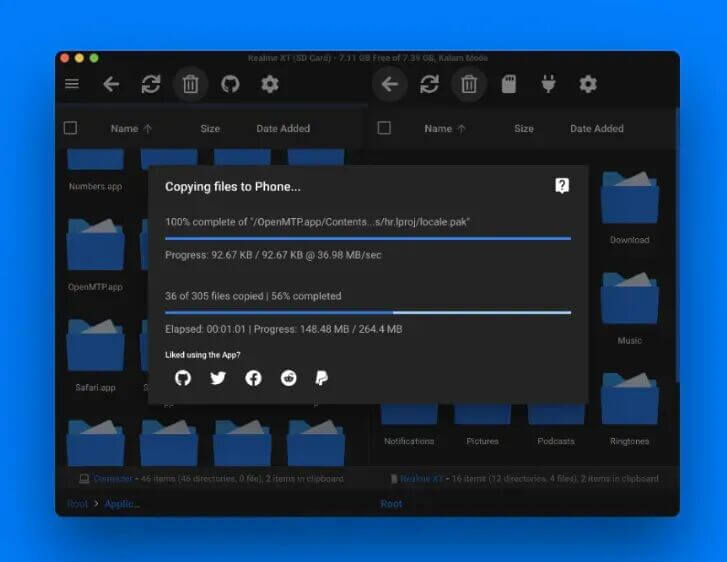
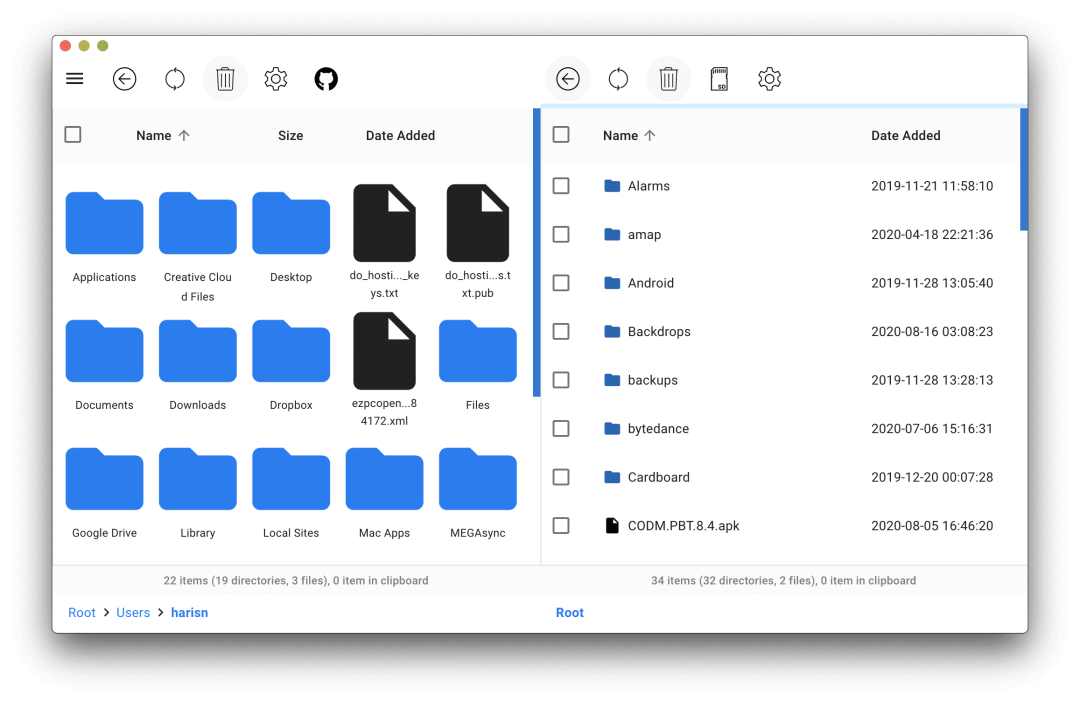
It features a classic dual-panel layout: the left pane displays local files on your Mac, while the right pane shows files stored on your Android device.
This intuitive design eliminates the need to toggle back and forth between multiple Finder windows.
Better yet, it fully supports macOS Dark Mode, so you won’t be blinded by harsh light when working late at night.
What truly sets OpenMTP apart from the official tool is its robust underlying technology.
Instead of just wrapping existing code, the developer built a custom MTP kernel from scratch called Kalam.
This bespoke kernel delivers two key advantages: blazing speed and rock-solid stability.
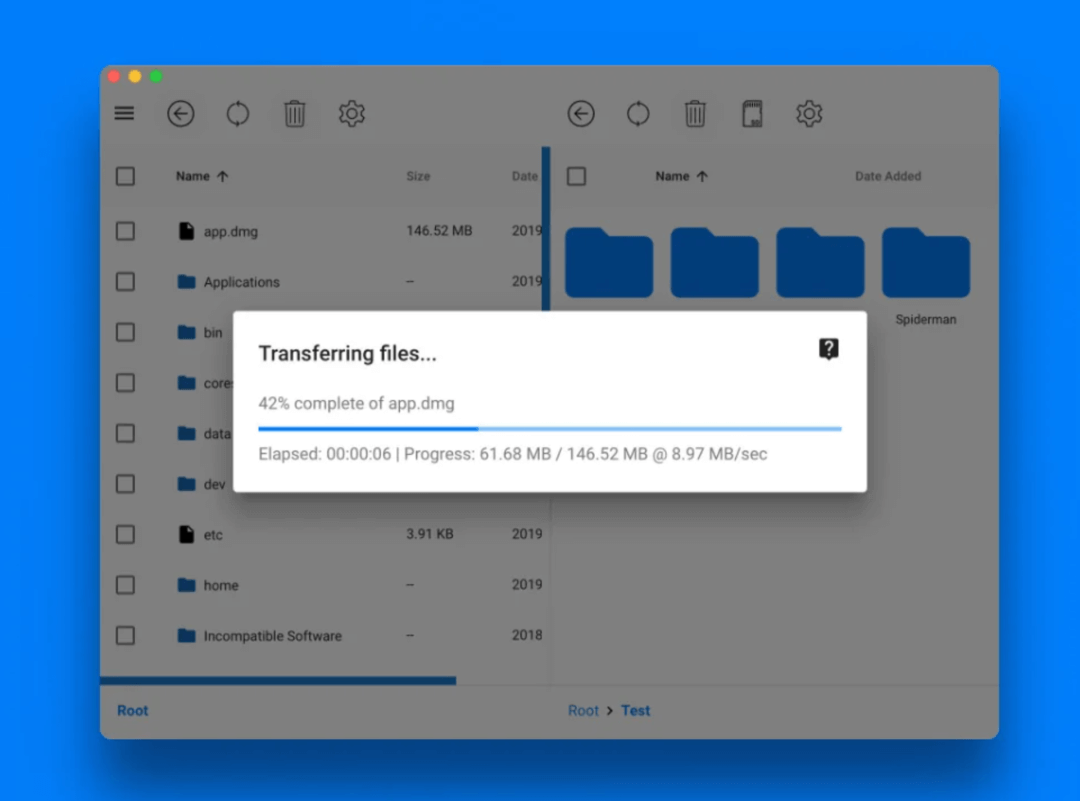
In real-world tests, its transfer speeds are impressive—on high-end devices, it can even exceed 120MB/s.
Most importantly, it finally lifts the restrictive 4GB file size cap.
Now, you can drag and drop multi-gigabyte 4K video footage or large compressed archives directly to your phone.
The progress bar zips along, and annoying error pop-ups are a thing of the past.
OpenMTP also excels in terms of user experience with thoughtful, polished details.
It supports modern drag-and-drop functionality and comes packed with handy keyboard shortcuts.
Tasks like creating a new folder, copying file paths, or refreshing the file list can be completed with just a few keystrokes.
This streamlined keyboard-centric workflow is a huge boon for developers.
For photographers and video creators who often need to select batches of photos from a folder, OpenMTP offers a practical Grid View and List View toggle—making it easy to browse and select files the way you prefer.
Installing OpenMTP is a breeze.
The developer provides dedicated installers for both Apple Silicon (M-series) and Intel-based Macs. Simply head to the GitHub Releases page to download and install the app—it works out of the box.
For command-line enthusiasts, installation is even simpler with Homebrew:
brew install openmtp --cask
That said, here are two key tips to avoid common pitfalls:
1.OpenMTP’s advanced kernel requires macOS 11.0 or later to deliver optimal performance. Make sure your system meets this requirement before installing.
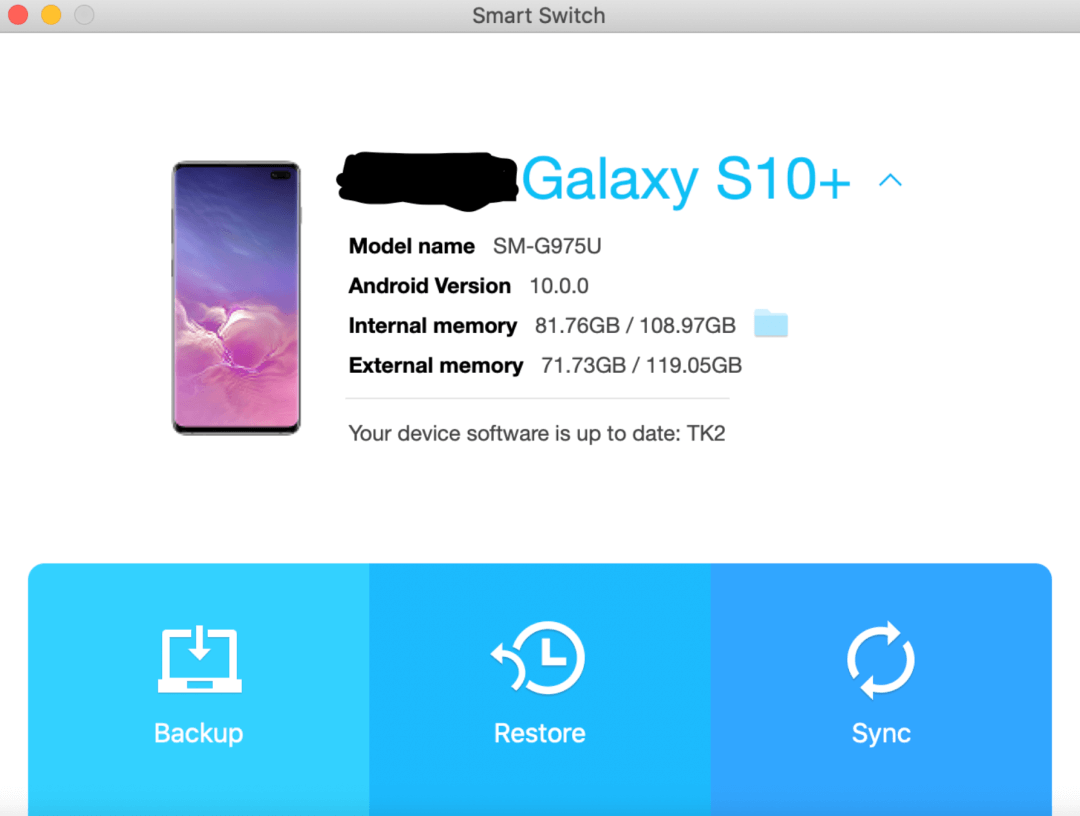
2.If you own a Samsung device with Samsung SmartSwitch installed, remember to close or uninstall the app before using OpenMTP. The two tools compete for USB resources, which can cause connection failures.
In summary, OpenMTP effectively bridges the gap between macOS and Android—a divide that often feels like an ecosystem barrier.
If you’re fed up with the official tool’s bugs and limitations, OpenMTP is undoubtedly one of the best solutions available today.
Openwork
Openwork is the open source Al coworker that lives on your desktop
TuriX CUA : AI Takes Over Windows and MacOS
It equips AI with “eyes” and “hands”, enabling it to look at the screen, move the mouse, type on the keyboard just like a human, and get your work done.
Self Operating Computer
A framework to enable multimodal models to operate a computer. It has now gained 10,000 stars on GitHub.
Microsoft OmniParser V2
OmniParser is a comprehensive method for parsing user interface screenshots into structured and easy-to-understand elements, which significantly enhances the ability of GPT-4V to generate actions that can be accurately grounded in the corresponding regions of the interface.
Open Interpreter
You can chat with Open Interpreter through a ChatGPT-like interface in your terminal by running $ interpreter after installing.